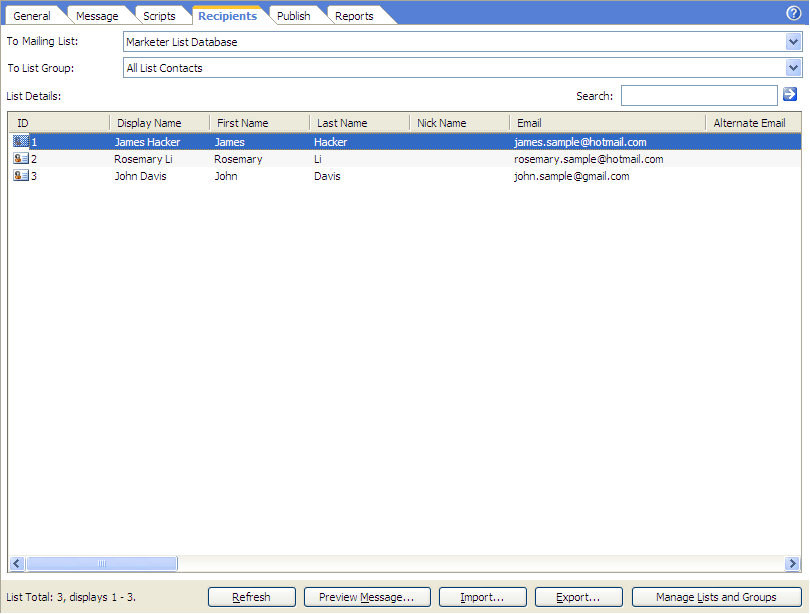
Before you selecting the recipients, please ensure the mailing list is set properly in the List Manager.
To select recipients for the working project. Click Recipients on the project view header and select the appropriate data sources for the To Mailing List and To List Group fields.
Refresh
Reload the receipts from the list source.
Preview Message
Previews or sends the personalized message for the selected receipt. You may
also do the job by double click the recipient row.
Import
Imports contacts from Outlook, Excel, Access or other formats to the list.
Export
Exports the contacts of the list to Text, CSV, Address Book files or other file formats.
Manage Lists and Groups
Switches to the List Manager of the
selected mailing list.