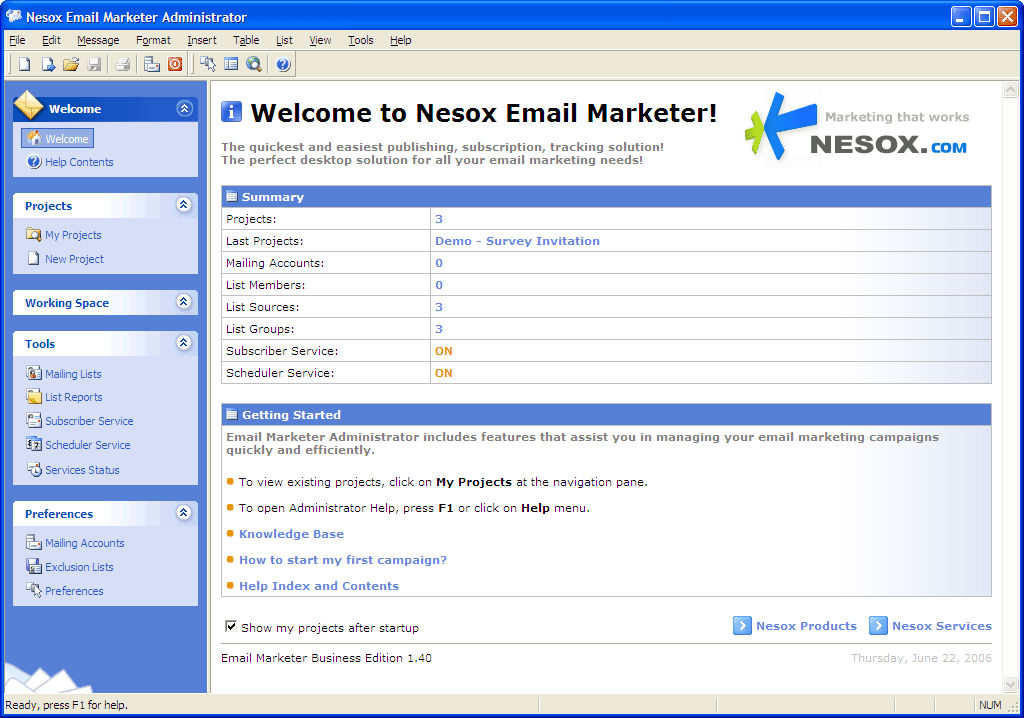
Once you start the application, you will be taken to the main window of the Email Marketer Administrator:
Menu Area
Shows menu commands.
Toolbar Area
Shows toolbar button commands. You can also use drag and drop to float a toolbar.
Explorer Area
Shows main commands.
View Area
Shows the view of select menu command.
Tip of the Day Area
Shows tip of the day.
Status bar Area
Shows current application status, including: help text, editor cursor, copyright, etc.