The List Wizard helps you to connecting to contacts from your existing list databases or files directly without importing. For example: CSV files, Excel files, Access database, SQL Server, MySQL, Oracle and more ODBC / OLE DB compatible databases.
To start the List Wizard, click Mailing Lists on the left hand pane and click New List or Edit button.
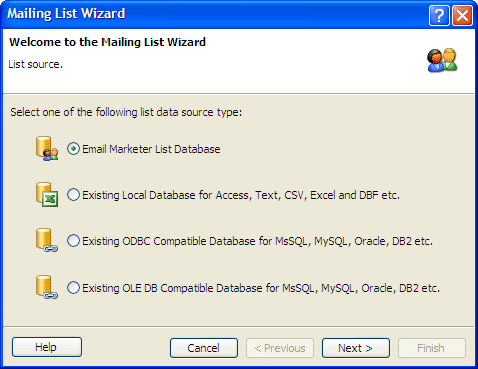
At the first step of the wizard you must select the type of file or database you will be using to create your list. The second step of building your list will be determined by which file format you choose to work with.
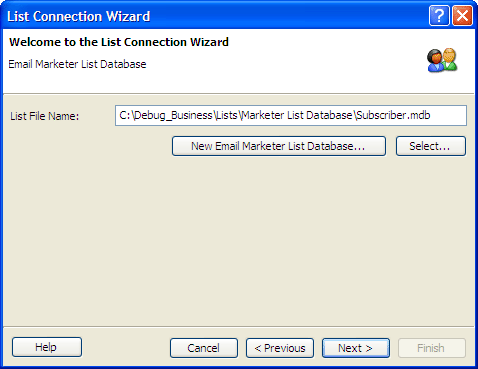
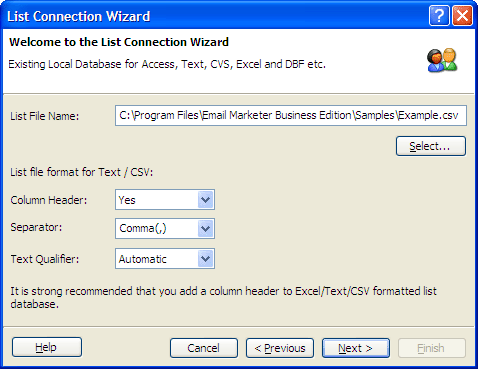
For using local files, you may add or remove list data files for the list and define the file formats.
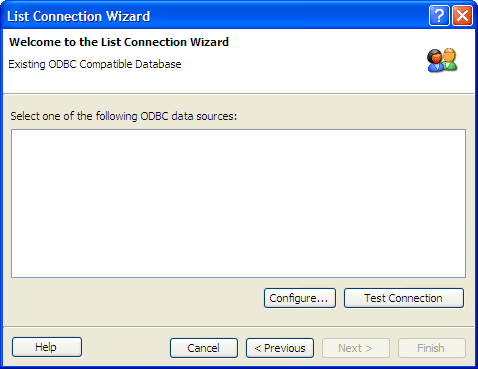
For database link of ODBC, select or configure the ODBC connections and specify the user id and password to connect to list database.
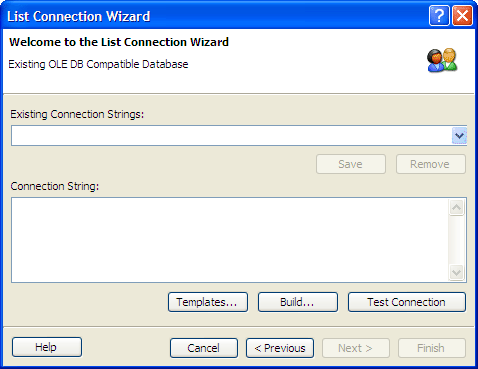
For database link of OLE DB, select the data source including connection string, user id, password etc. Email Marketer provides the most usual connection string templates. Afterwards you can perform a database connection test.
Custom queries are for advanced users who are familiar with using Structured Query Language for finding specific addresses in their database.
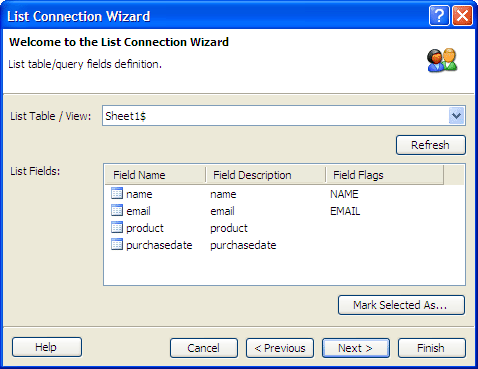
After finishing the wizard, a new list connection will be created and all list contacts in the list table will be loaded. To create a subset of the mailing list, please reference Creating Groups.